From your PDF to your accounts, and you only did the first step.
Here’s what happens after you connect your accounts and upload a resource.
-
Connect your accounts
Your own Pinterest, Instagram, Facebook, TikTok and YouTube accounts. Binbee posts as you, to your followers, and only you can post to them here.
-
Upload your resource
A PDF, images, a ZIP or slides: the same file you sell. Add the grades, subject and season so Binbee knows who it’s for and when it matters.
-
Binbee reads every page
It leads with your cover and picks real pages from inside, skipping the terms of use and table of contents. Star any page you want featured instead.
-
Binbee makes the posts
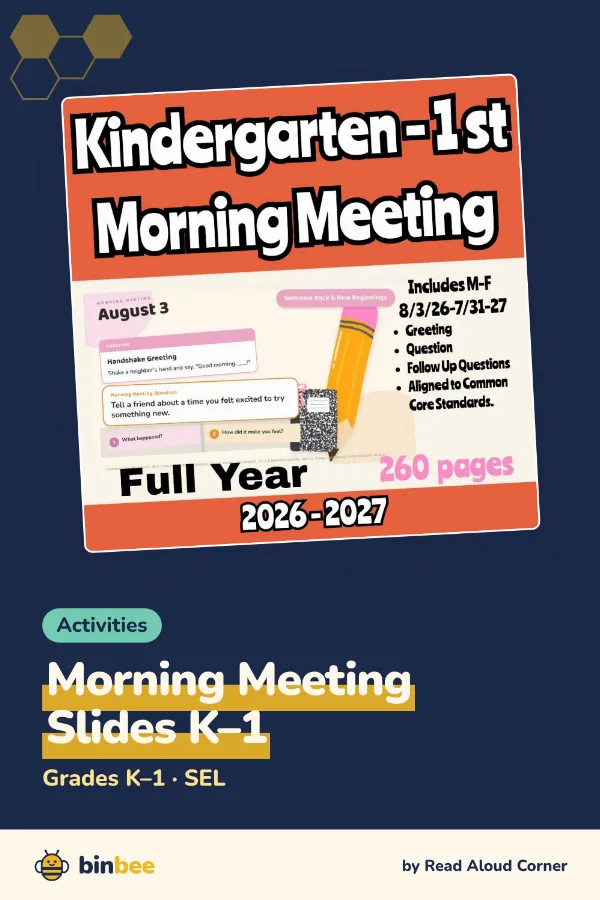
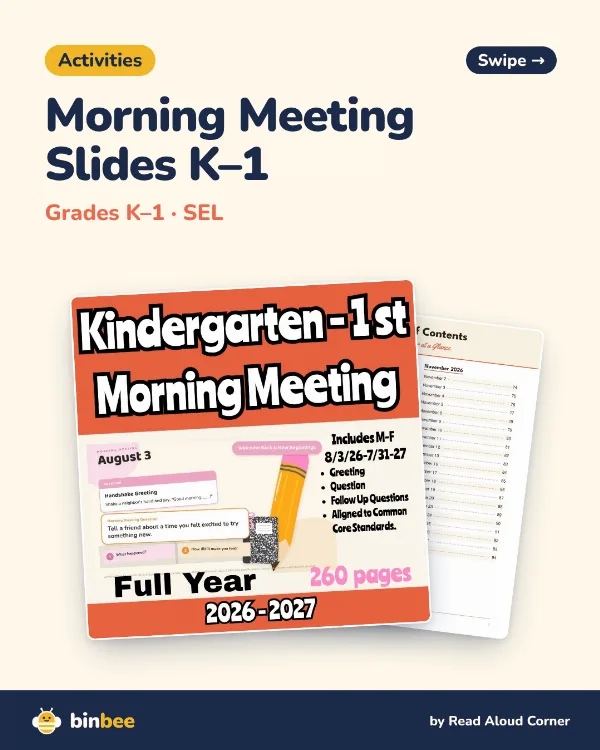
Three pin designs, a flip-through video and a carousel, plus captions written for each platform from your own description, with hashtags and alt text.
-
You schedule them
Pick a ready-made post, choose which of your accounts it goes to, and pick a time. Change the caption if you like. Nothing goes out until you schedule it, and you can move, edit or delete it until then.
-
Your posts go out
On your accounts, in the right size and format for each platform, with the right settings for a teacher audience. Pins, Facebook posts and Shorts link to wherever you sell; Instagram and TikTok captions point to the link in your bio.
-
You see what worked
Insights show views and engagement for every post, and how many teachers clicked through to your store from posts with a link, so you know which resources and platforms earn their keep.
Binbee is a full scheduler for your accounts.
Write any post once and pick which accounts it goes to, with a different caption per platform if you like. Add photos or a video, schedule it or post it now, and save drafts for later. Everything you schedule sits on one calendar you can drag around.
A new pin design each time, so your resource keeps showing up fresh in search.
Turns between a Reel of the flip-through and a swipeable carousel of your pages.
TikTok
The flip-through video, with your description and hashtags.
Reels and multi-photo posts, with a link straight to your store.
YouTube Shorts
The flip-through as a Short, titled and tagged so teachers can find it.
During early access, each platform switches on once it has approved Binbee’s app. Your Accounts page shows which are ready.
Want in?
Binbee is invite-only while we’re in early access.